
Replace the PHOENIXWAN Audio Light Metal Mesh
Replace the PHOENIXWAN Audio Light Metal Mesh
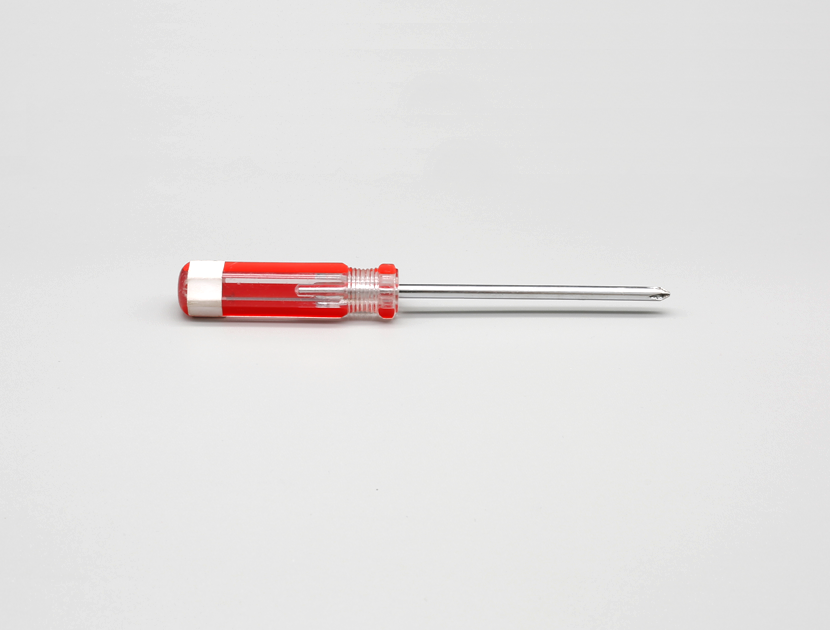
Section titled “Replace the PHOENIXWAN Audio Light Metal Mesh”Tools:
Section titled “Tools:”Phillips screwdriver.
-
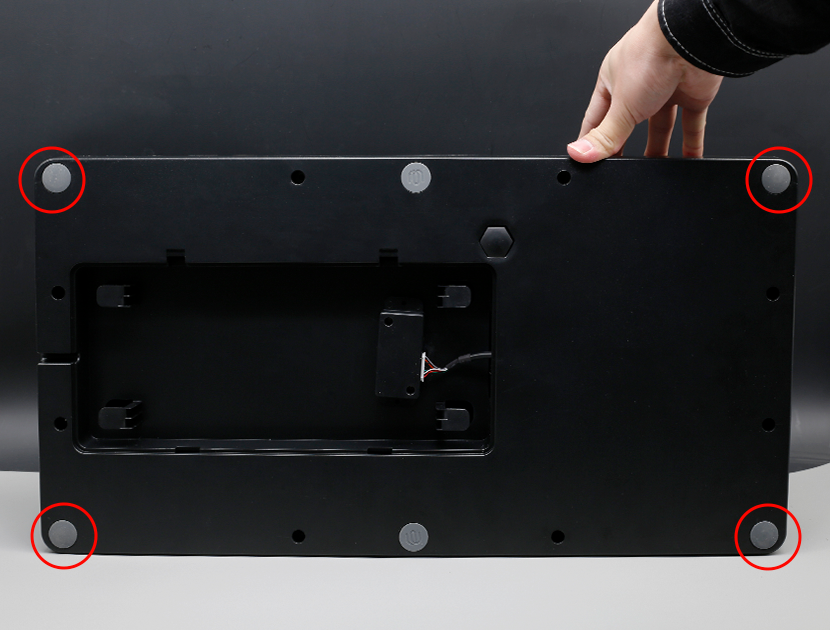
Pry off the four corner pads
Pry off the four corner pads.
-
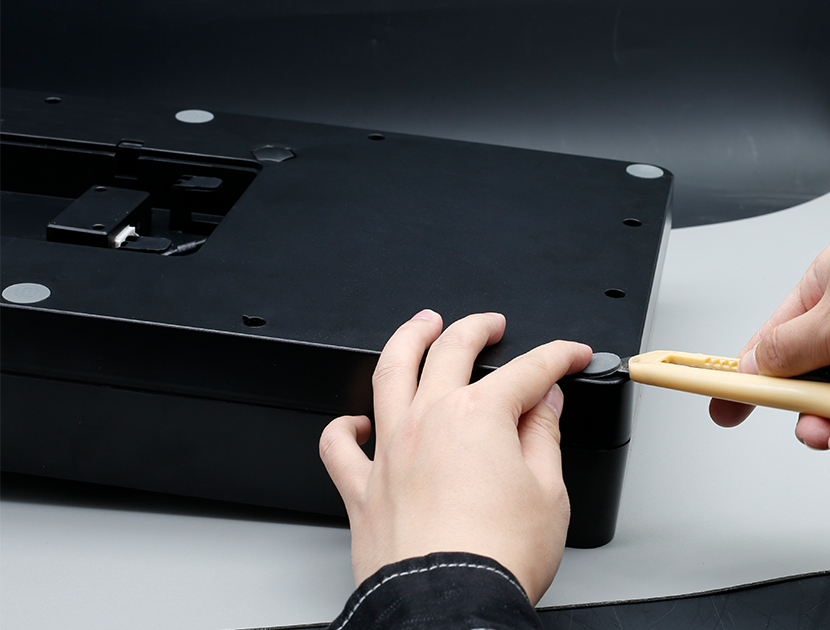
Use a knife to lift off the foot pads
Use a knife or other tool to lift off the foot pads.
-
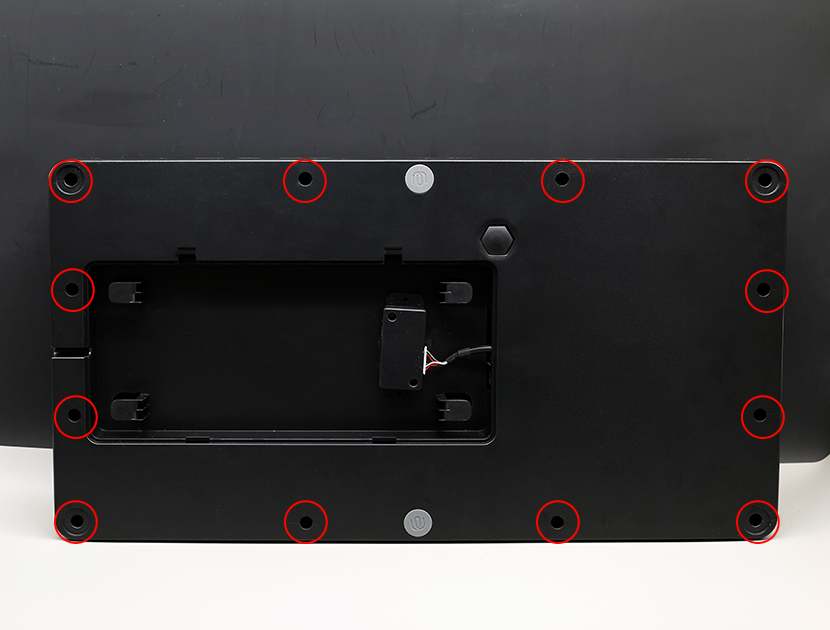
Remove all the screws securing the frame
Remove all the screws securing the frame.
-
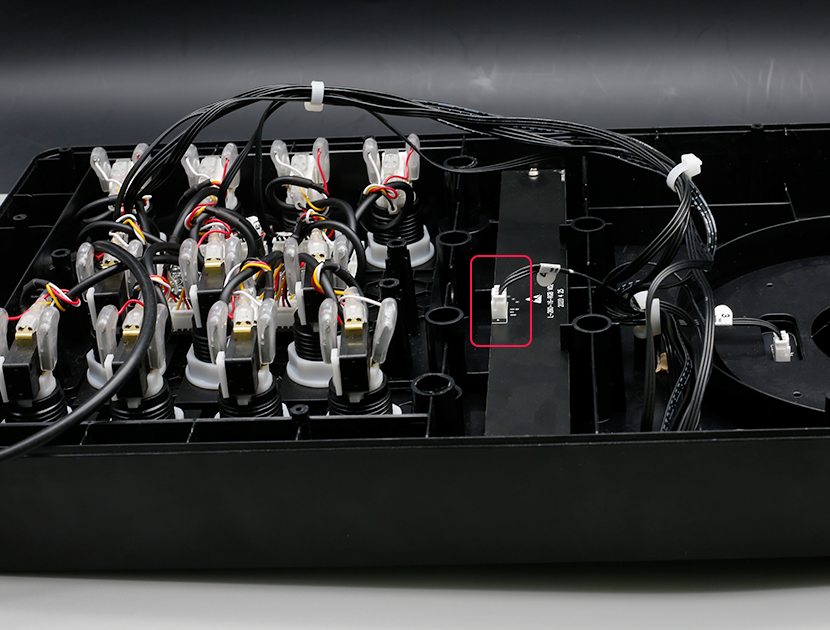
Open the back cover and unplug the audio light cable
Open the back cover and unplug the audio light cable.
-
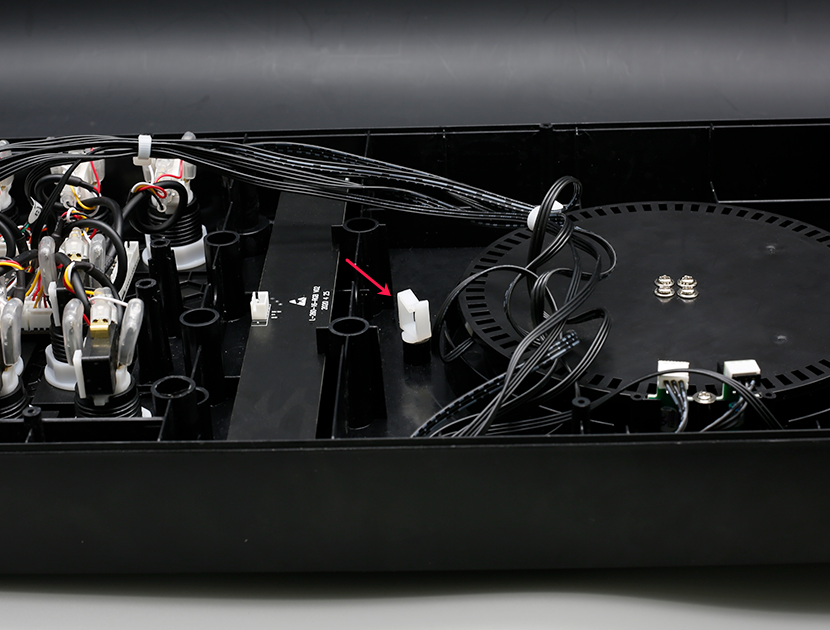
Take the fixed black cables out of the clip
Take the fixed black cables out of the clip.
-
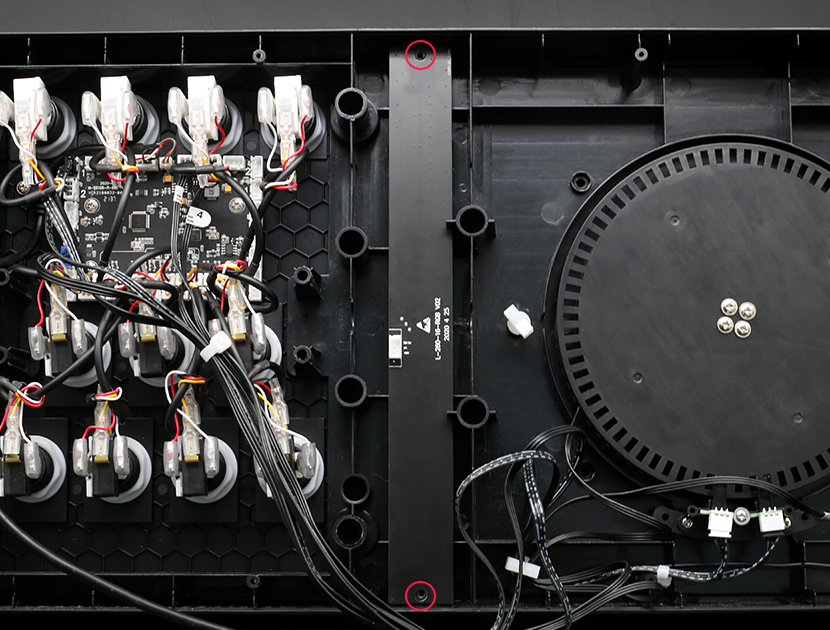
Unscrew the 2 screws on the audio light
Use a screwdriver to unscrew the 2 screws on the audio light.
-
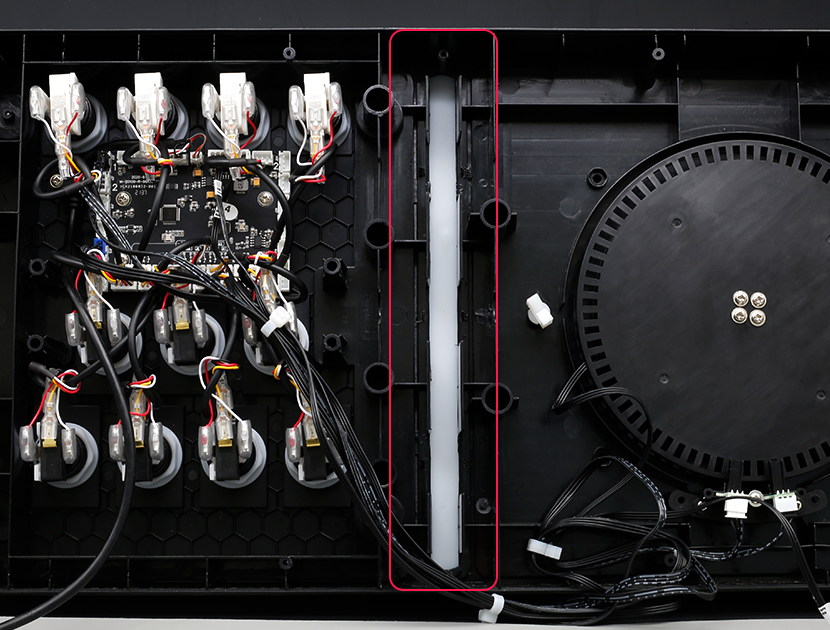
Remove the audio light
Remove the audio light.
-
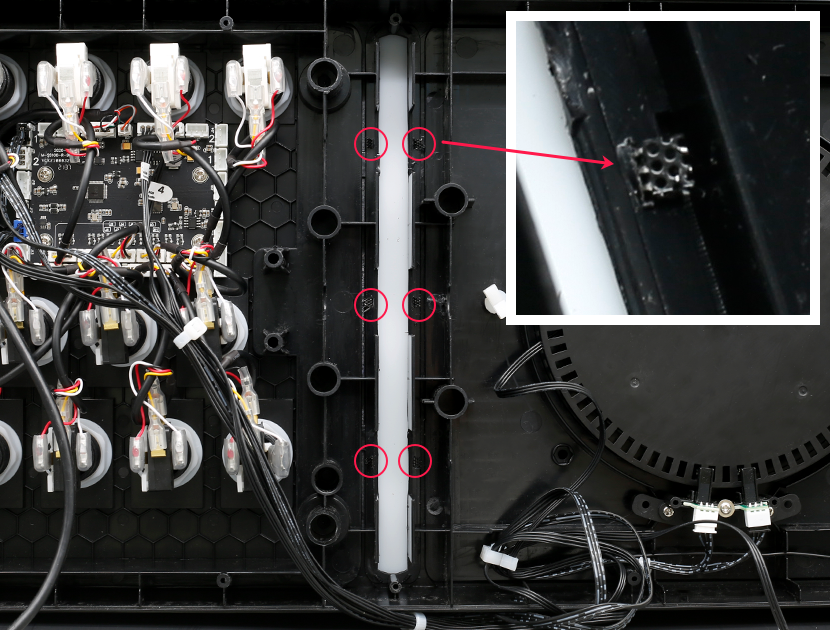
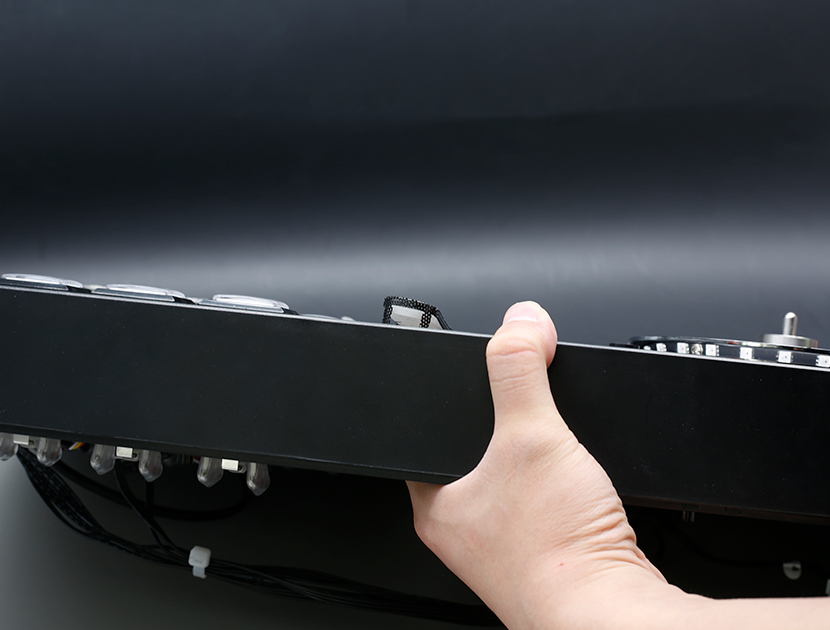
Remove the audio light mesh and light guide
Fold back the bent part of the audio light mesh and remove the audio light mesh and light guide.
-
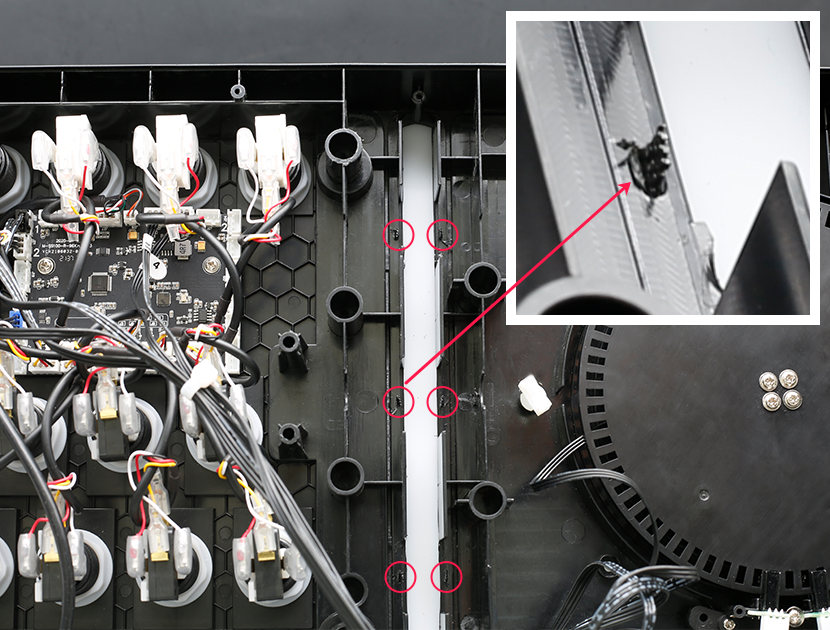
Replace the audio light mesh with a new one
Replace the audio light mesh with a new one, and bend the protruding part to fix the audio light mesh.
-
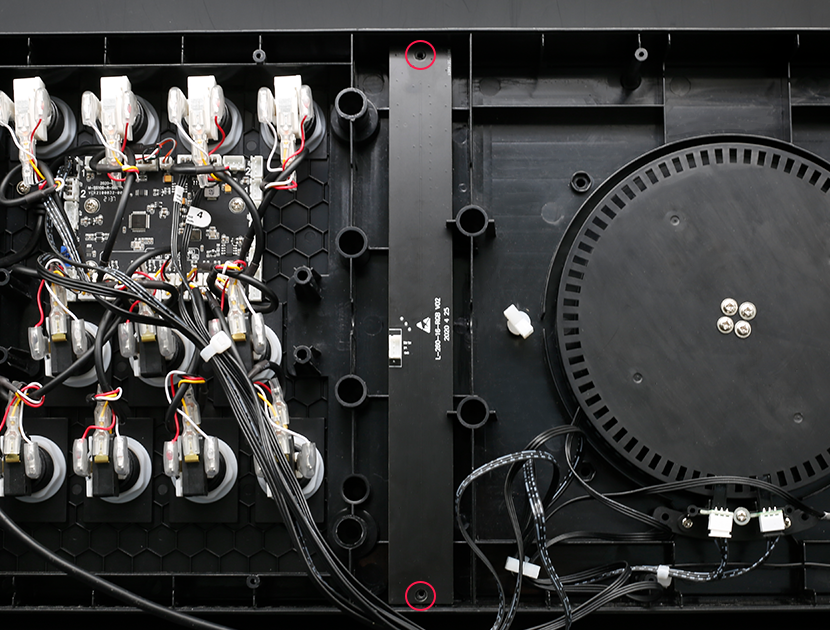
Put the audio light back on and fix it with screws
Put the audio light back on and fix it with screws.
-
Plug the audio light plug back in
Plug the audio light plug back in and secure the wire harness in the white clip.

-
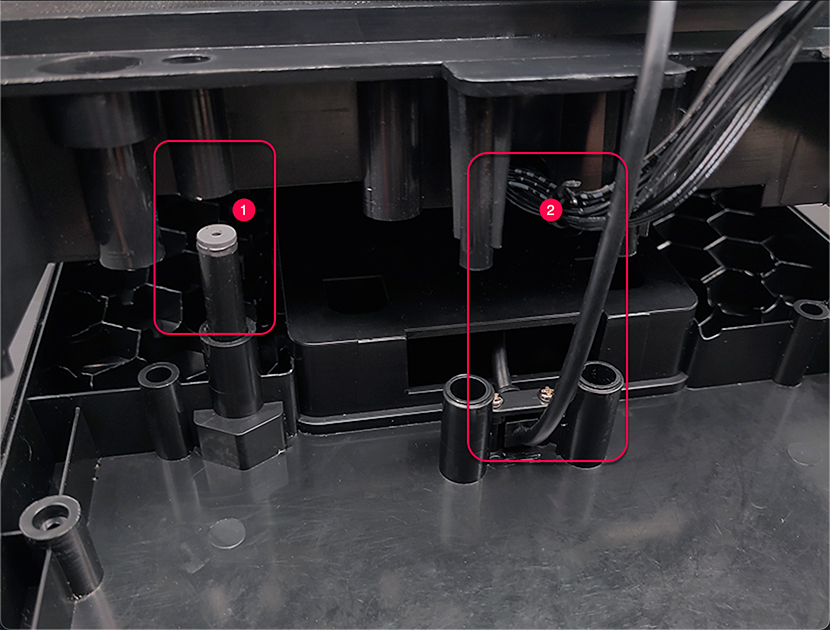
Fit the upper and lower shells together
First remove the button panel, align the ① and confirm that the wire at ② will not be stuck, and then fit the upper and lower shells together.
-
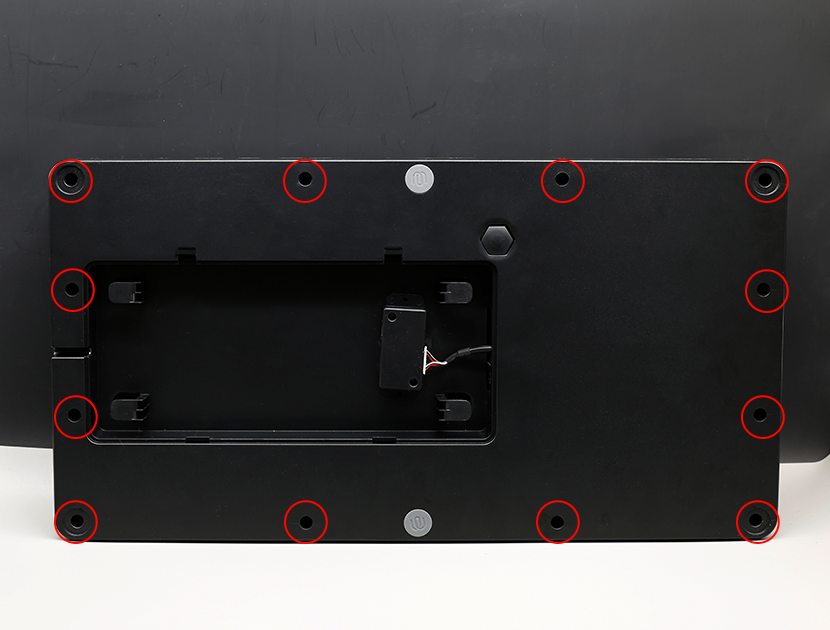
Reinstall all the screws securing the frame
Reinstall all the screws securing the frame.
-
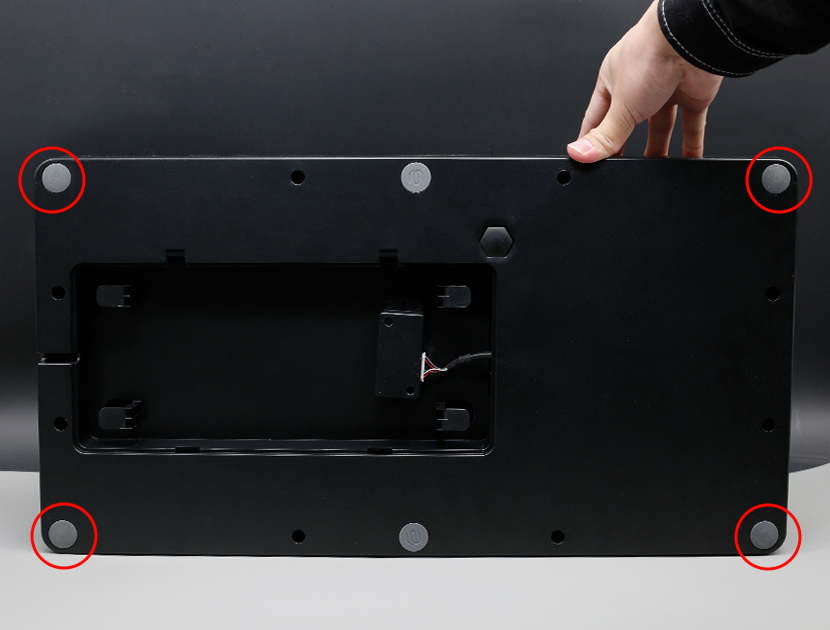
Attach the pads to the four corners
Attach the pads to the four corners.
© 2026 GAMO2 Docs