
How to adjust the PHOENIXWAN LMT turntable damping
How to adjust the PHOENIXWAN LMT turntable damping
Section titled “How to adjust the PHOENIXWAN LMT turntable damping”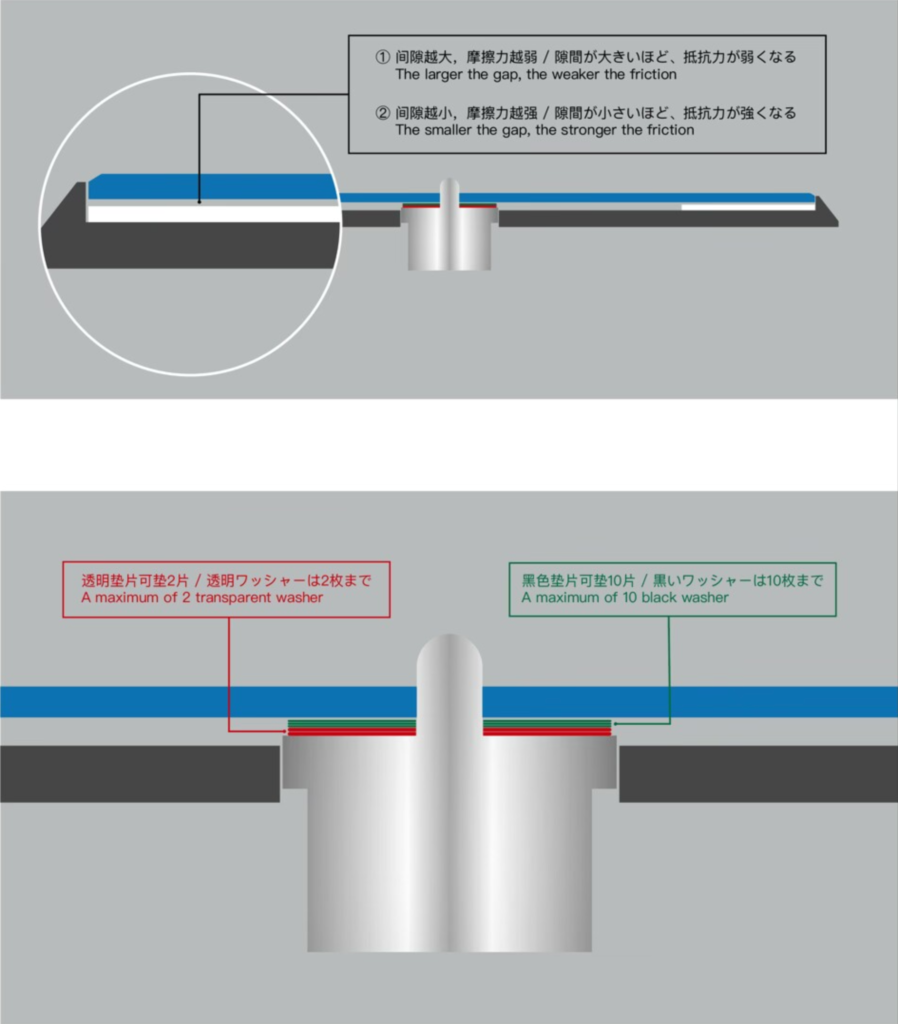
-
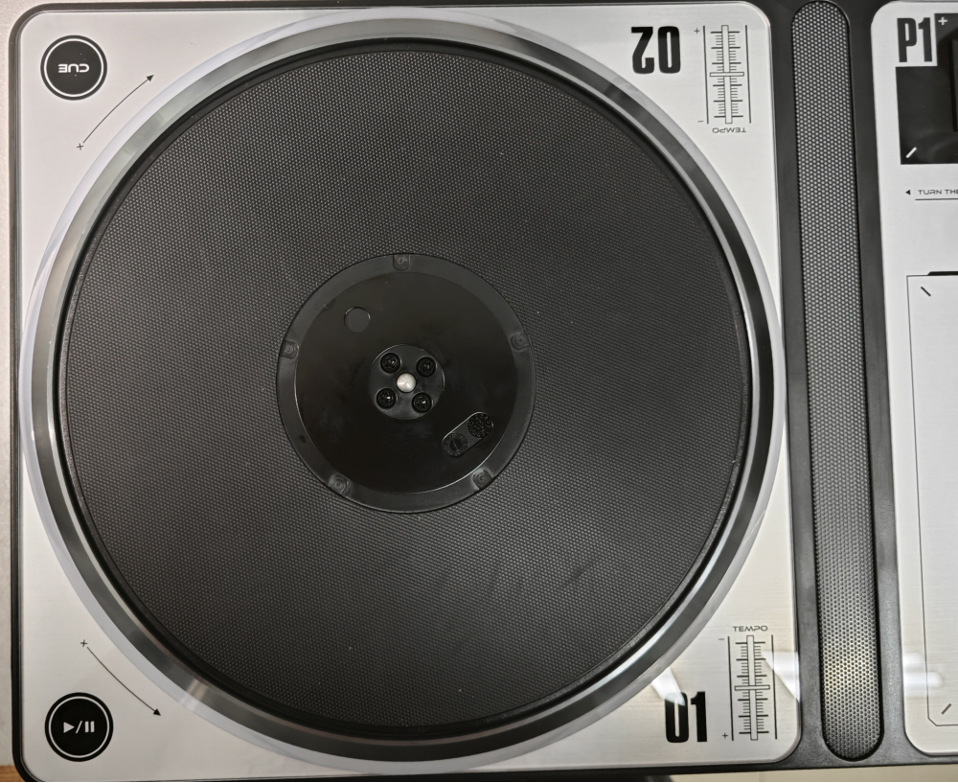
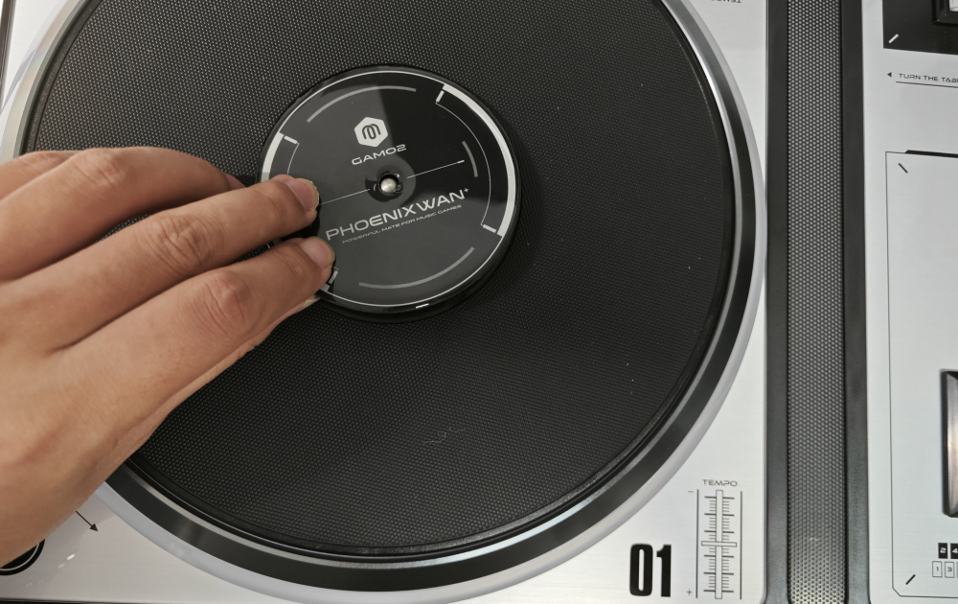
Remove the magnetic turntable sticker
Remove the magnetic turntable sticker.
-
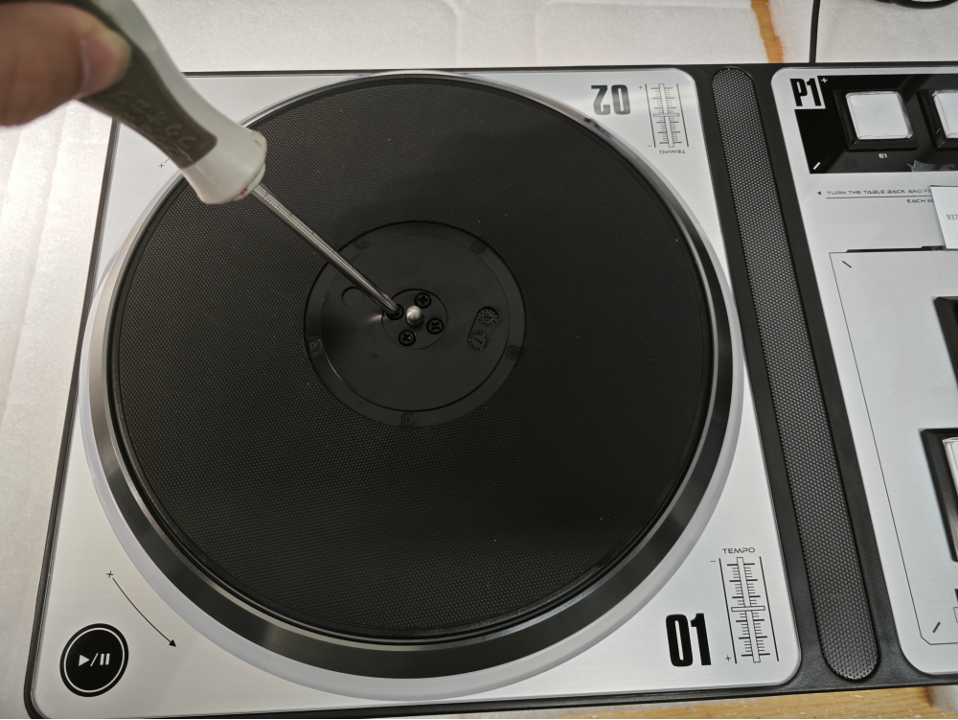
Remove the screws holding the turntable in place
Use a Phillips screwdriver to remove the screws holding the turntable in place.
-
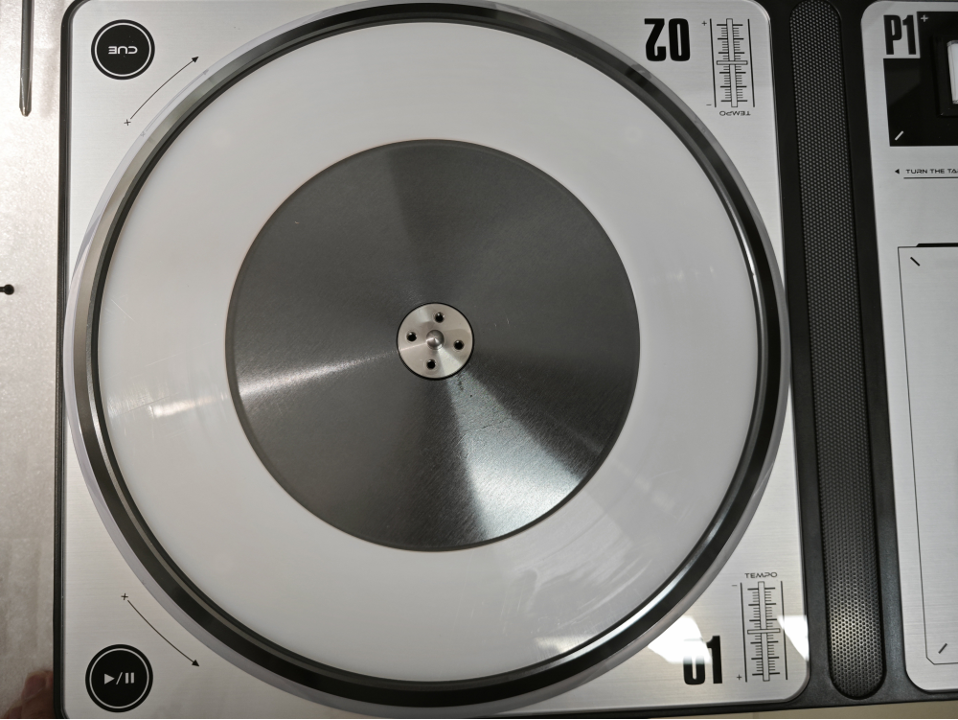
Remove the turntable
Remove the turntable.
-
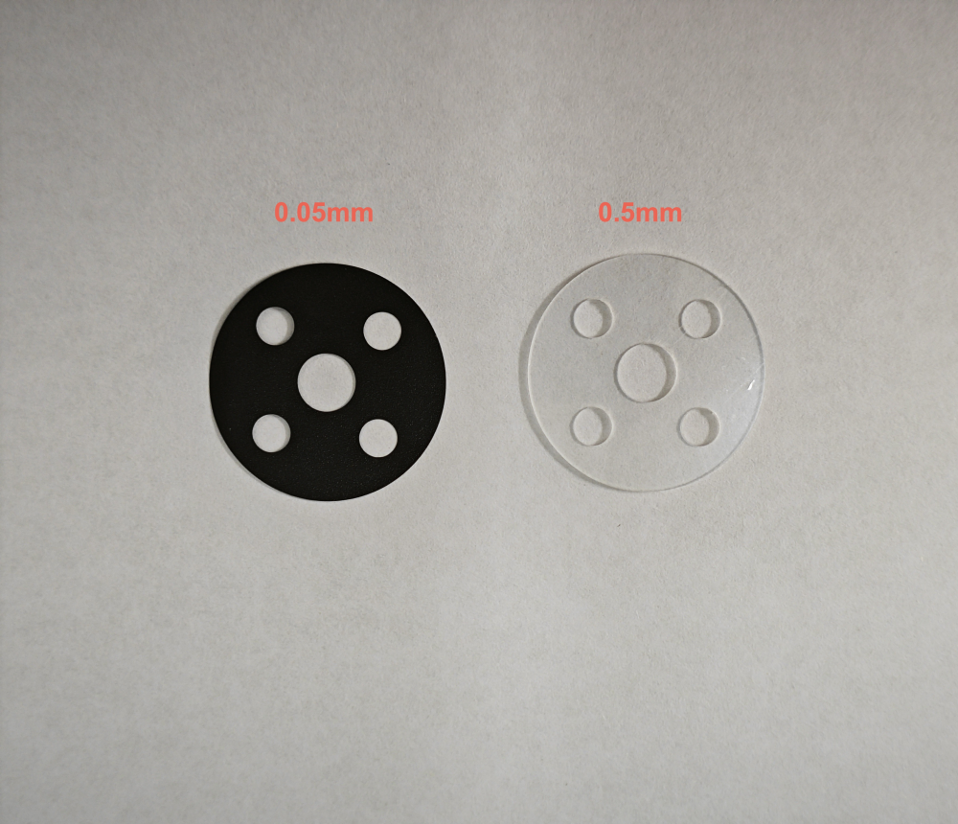
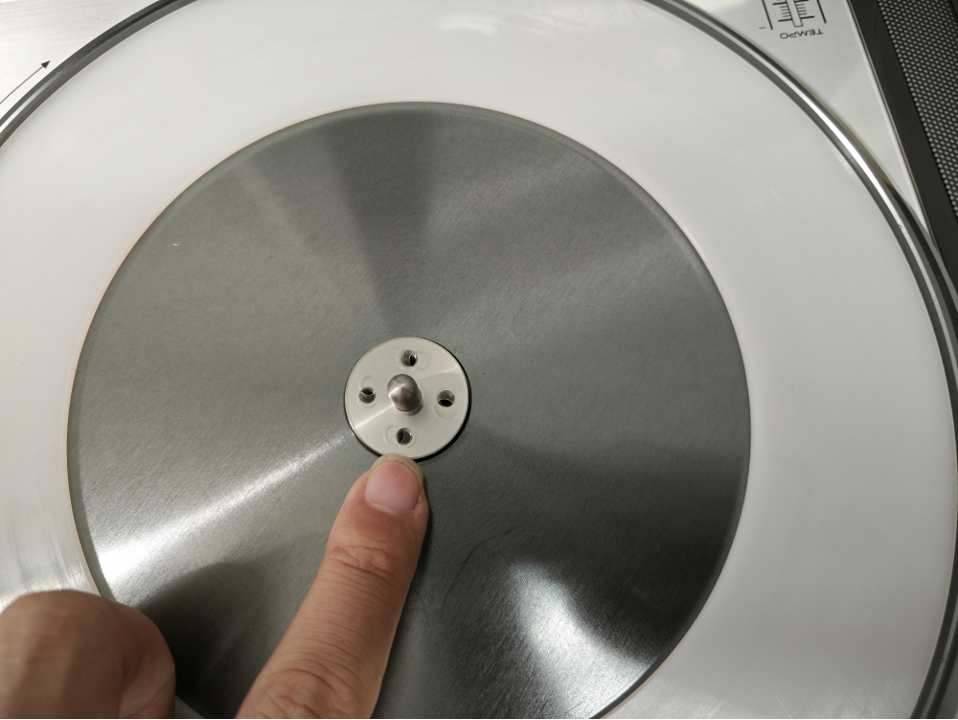
Adjust the number of washers
Adjust the number of washers. (Black×1=0.05mm, transparent×1=0.5mm)
-
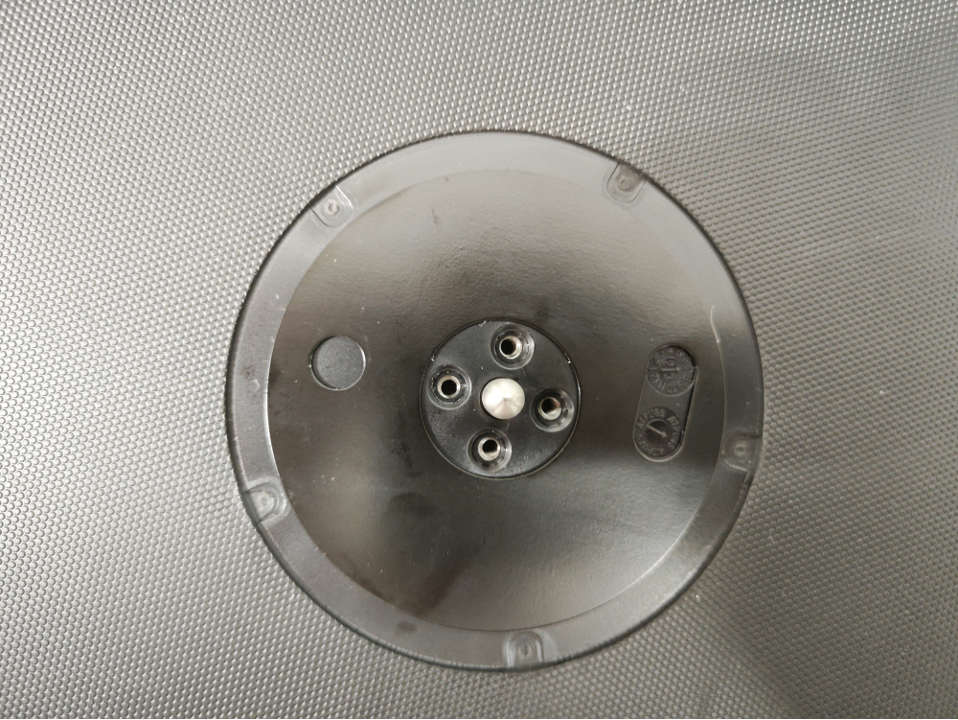
Place the turntable over the spacer and align the screw holes
Place the turntable over the spacer and align the screw holes.
-
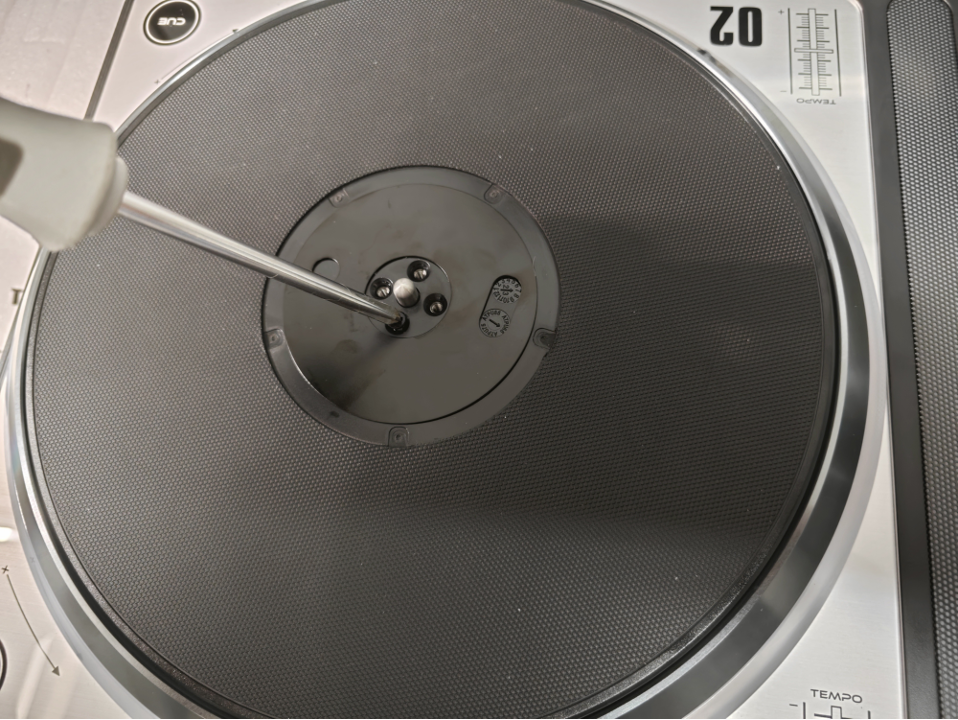
Tighten the screws to secure the turntable
Use a screwdriver to tighten the screws to secure the turntable.
-
Cover with magnetic turntable sticker
Cover with magnetic turntable sticker.
© 2026 GAMO2 Docs